
Simple. Clean. White.
Make your photo background white.
Add a solid white background to a product photo or portrait. Remove the original backdrop, refine the edges and download your finished PNG.
JPG, PNG, WebP or BMP · Up to 3 MB each
Free PNG preview · No sign-up · No watermark
White is included in the exported image. It is different from a transparent PNG shown on white.
How it works
- 01
Upload your photo
- 02
Check the white-background result
- 03
Download your finished image
Explore the details
Start with the photo you already have
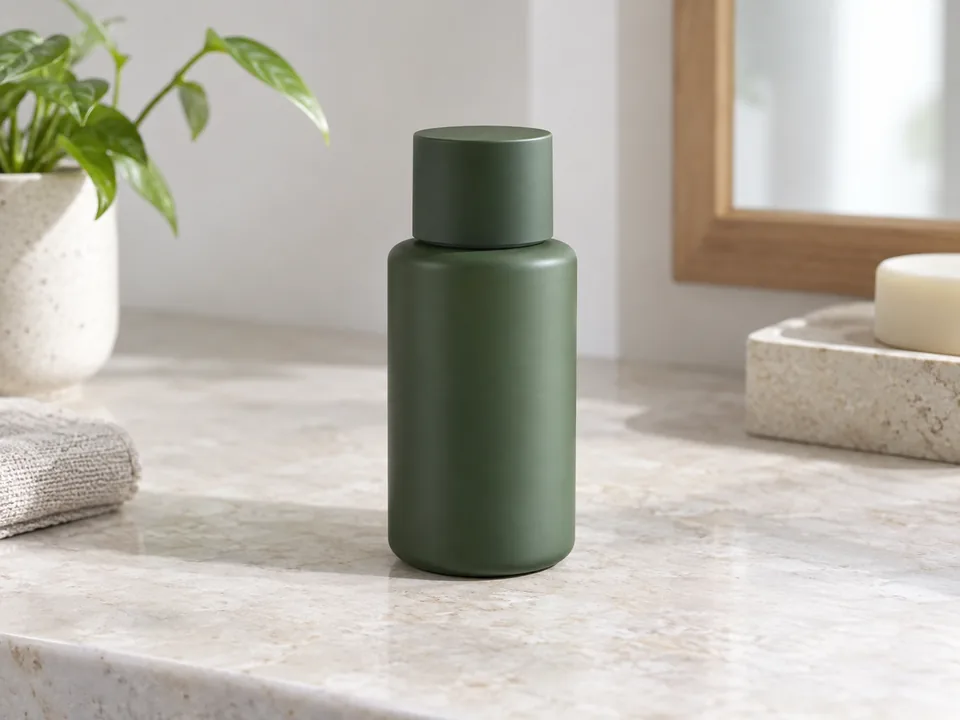
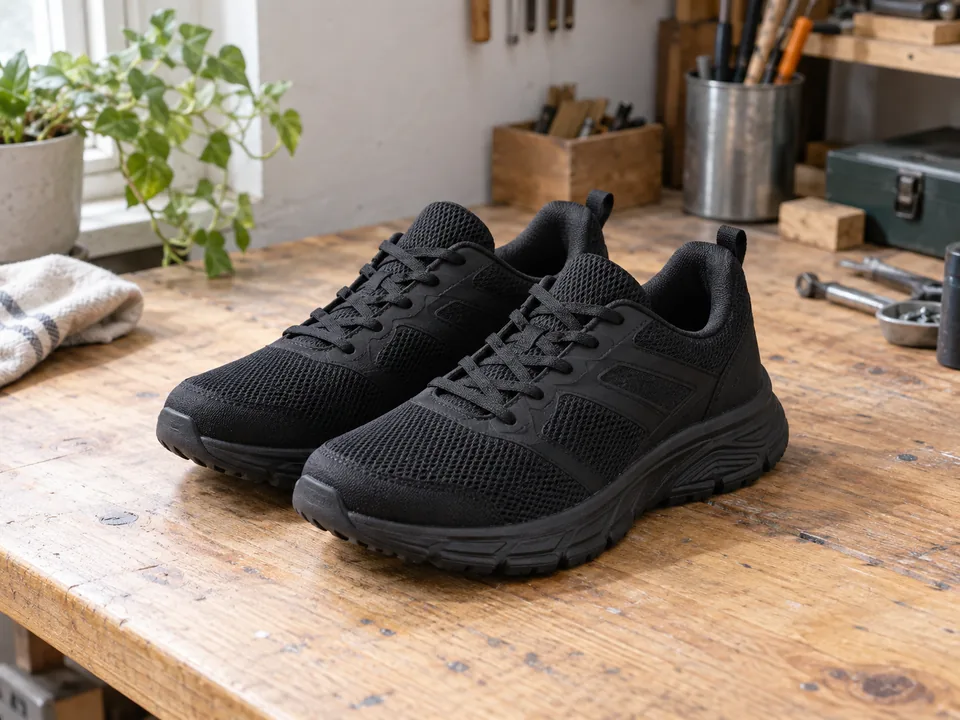
A busy table or indoor setting does not have to stay in your finished image. Upload your photo and the editor starts with a solid #FFFFFF background after segmentation. You can still erase or restore details before downloading.
Build a consistent product gallery
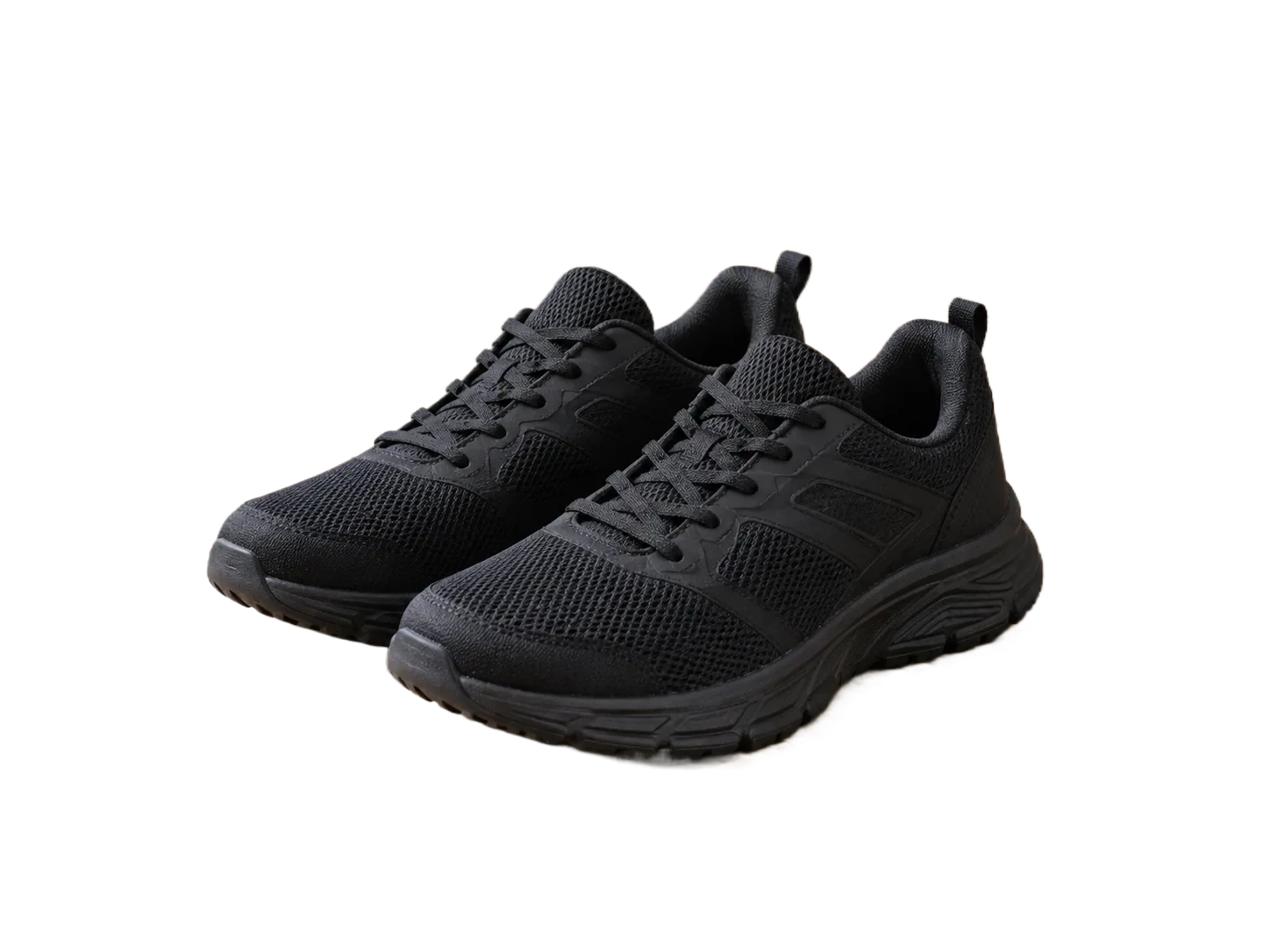
Shoes, bottles and bags can share the same white backdrop. Review every image separately for missing straps, unwanted shadows and rough edges. This editor does not automatically apply one background to a batch of images.
A white file, not just a white preview
The white color is composited behind the cutout when you download. If you need a reusable transparent asset instead, select transparency in the editor. Background preparation does not certify marketplace image requirements.
Build a white-background image without whitening the product
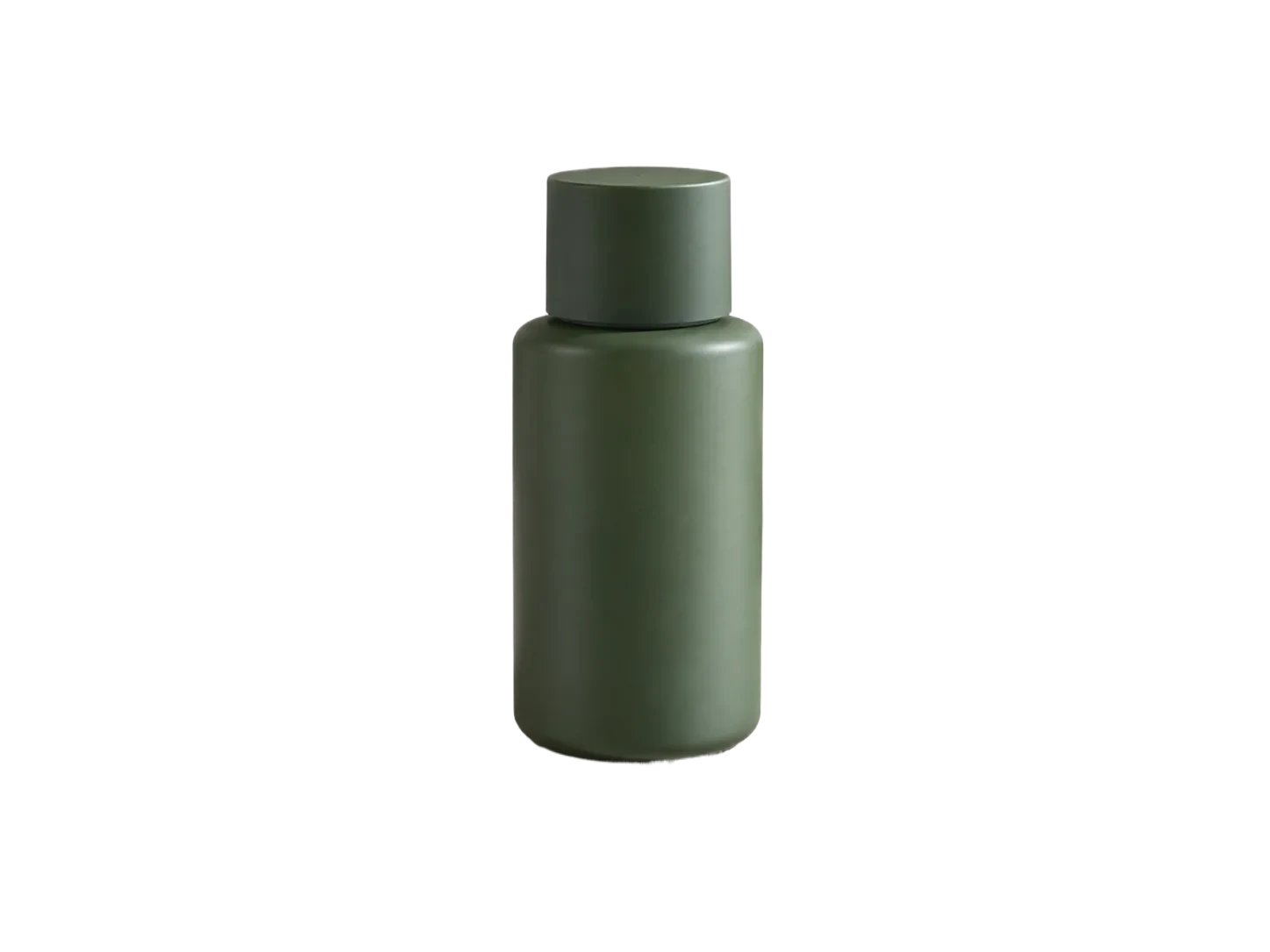
Use the skincare bottle sample to separate two operations: remove the old scene, then put the preserved foreground on white. The white fill should change the backdrop, not the label or the object’s natural highlights.
| Possible issue | What to inspect | What to do |
|---|---|---|
| Gray or tinted background | Inspect an empty corner of the exported file, not just the page around it. | Select the white background option before downloading. |
| Clipped packaging edges | Check the cap, label corners and the bottle base against the source. | Restore subject pixels that were mistaken for the old background. |
| Old shadow or scene fragments | Review the base of the product and narrow spaces around it. | Remove unwanted scene fragments manually; do not assume a new realistic shadow is generated. |
Before you export
A clean white image is not a marketplace approval. Check the destination’s required dimensions, margins and file format separately.
Suggested checks for your own images. No accuracy or processing-time benchmark is claimed.
Sample file facts
green-skincare-bottle
- Source image
- 1448 × 1086 px
- File size: 48.4 KiB · WebP
- Supplied cutout
- 1448 × 1086 px
- File size: 15.9 KiB · WebP
- Transparency
- Alpha channel present
These measurements describe the bundled demonstration files, not a live API benchmark, an accuracy score, or a promise about your output size.
Questions, answered.
Is the background pure white?
The white preset uses #FFFFFF. Subject pixels and any remaining shadow are not recolored, so inspect the finished image before use.
Can I choose another color?
Yes. Open the background panel and choose another color, or upload your own background image.
Does it guarantee marketplace approval?
No. Image dimensions, framing, category rules and other requirements still need to be checked separately.
Ready for your own image?
Free PNG preview · No sign-up · No watermark