
From your workbench to your storefront
Remove product backgrounds. Ready your next listing.
Remove distracting backgrounds from shoes, bottles and bags. Create transparent product cutouts or white-background photos for your next listing.
JPG, PNG, WebP or BMP · Up to 3 MB each
Free PNG preview · No sign-up · No watermark
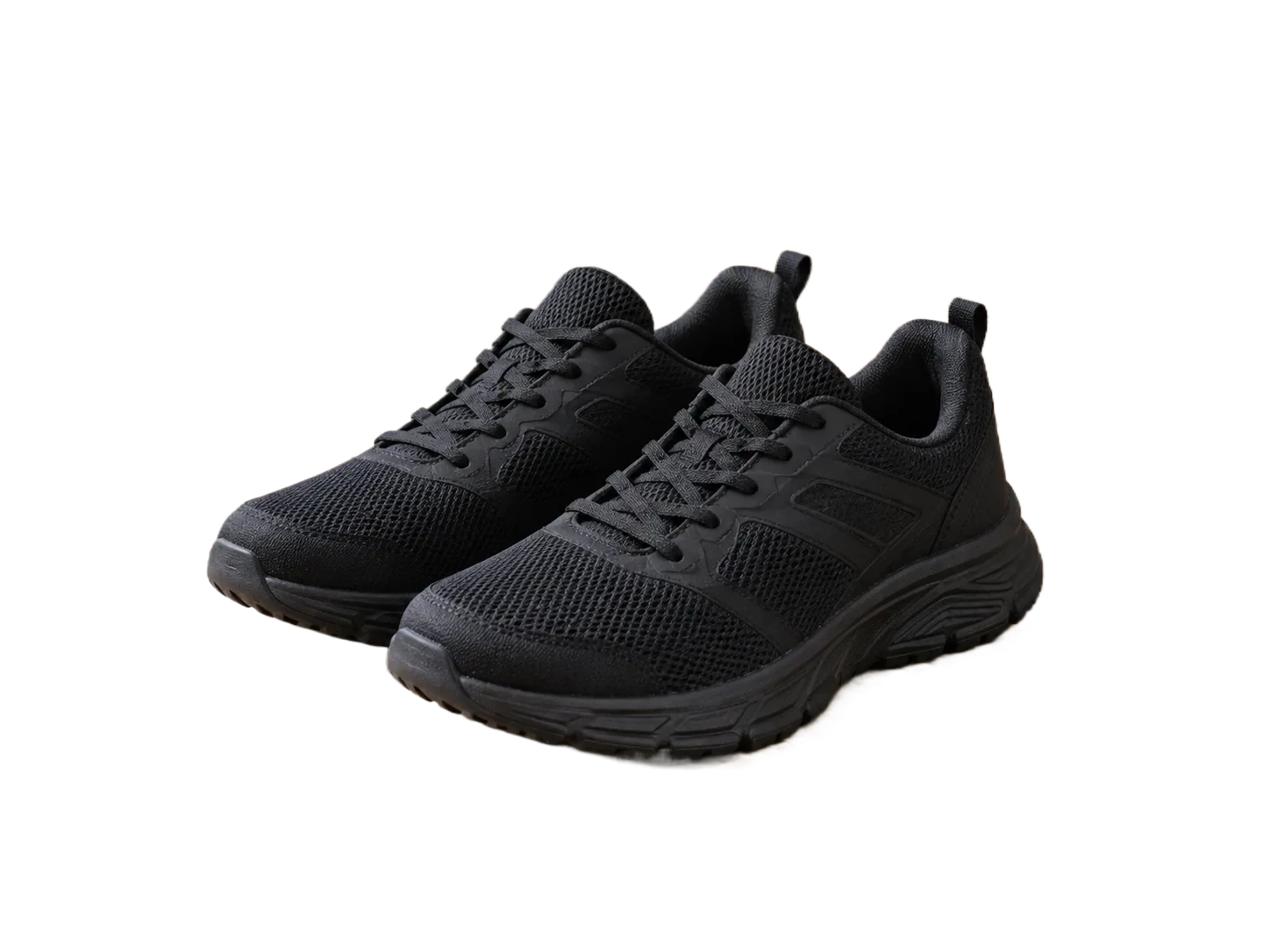
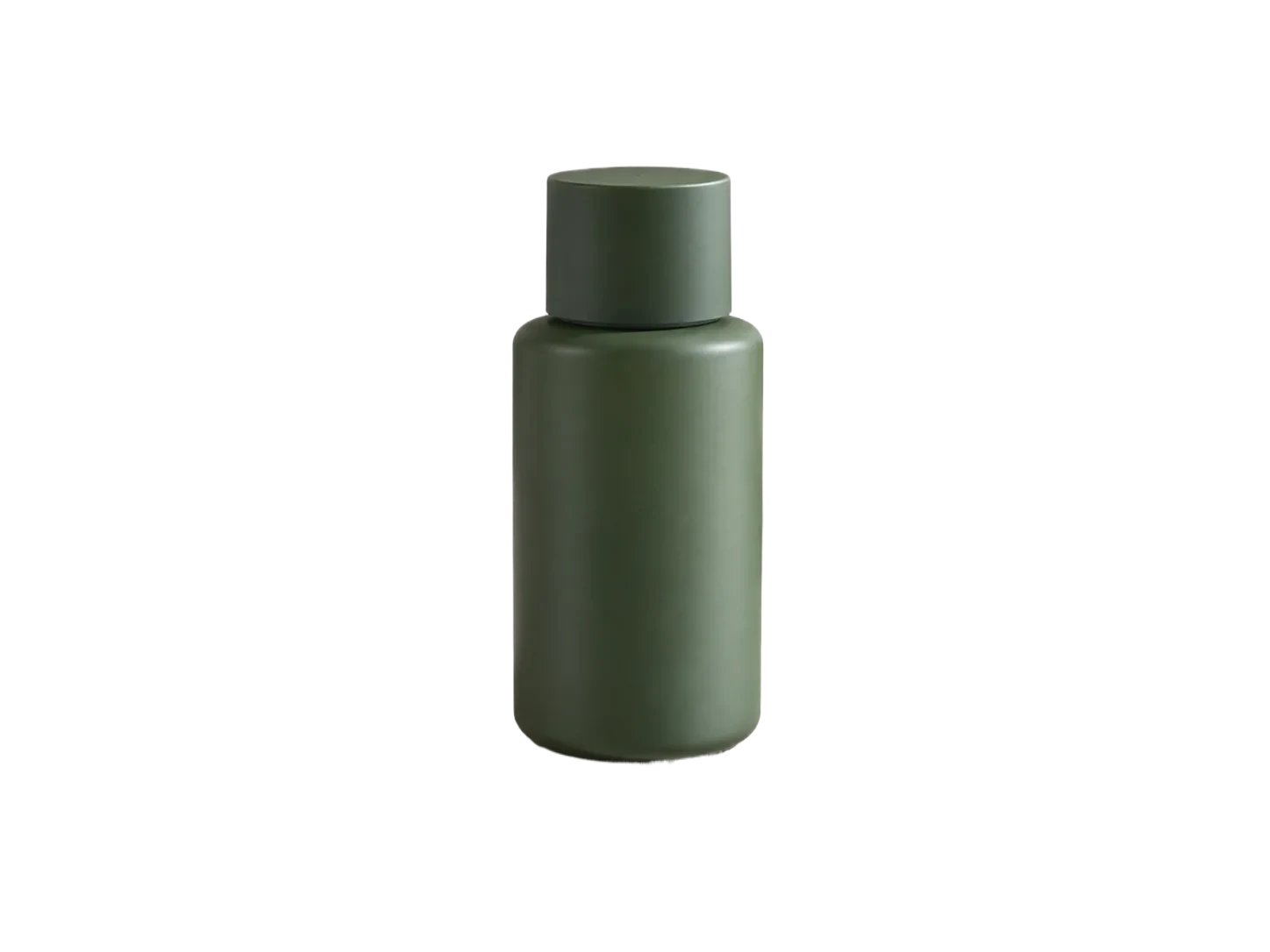
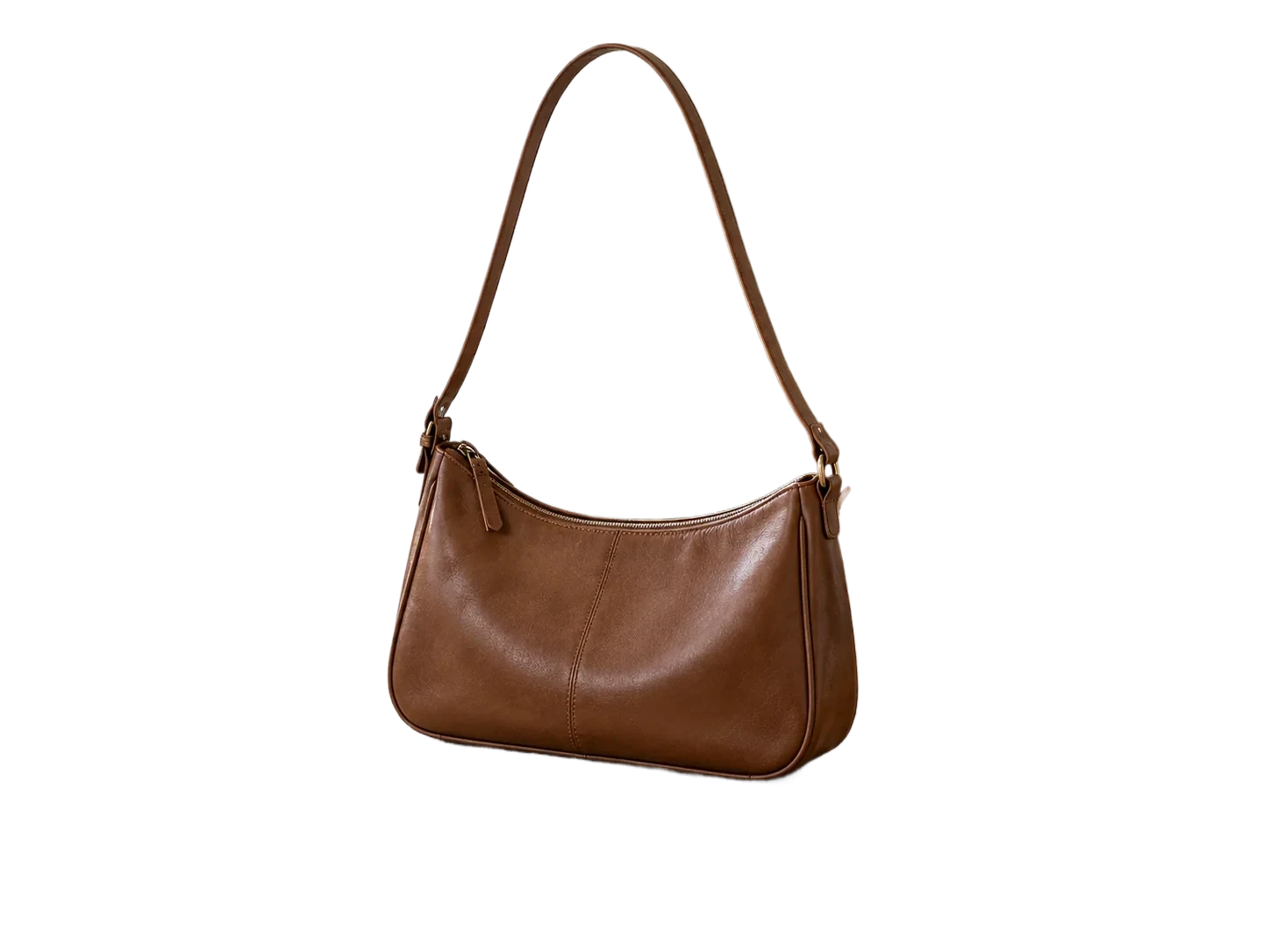
These are actual automatically processed examples. Review straps, openings and reflections on your own images.
How it works
- 01
Upload your product
- 02
Choose transparent or white
- 03
Check and download
Explore the details
One product, more ways to present it
Keep the background transparent for layouts and banners, or select white for a simple catalog image. The subject stays in its original position. This tool prepares images; it is not a marketplace plugin or a photography service.
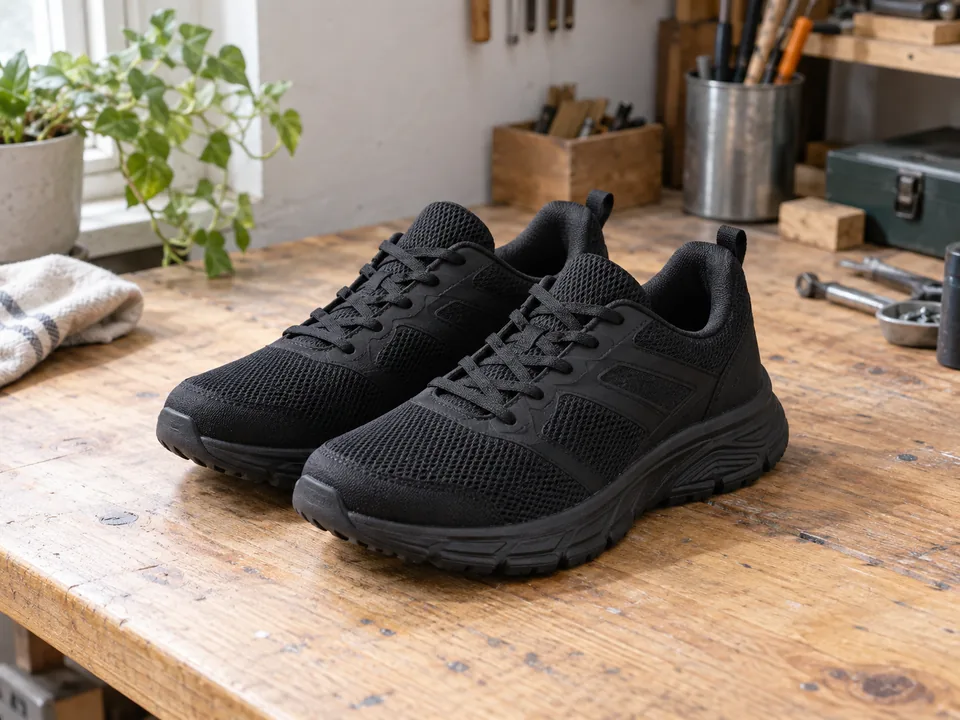
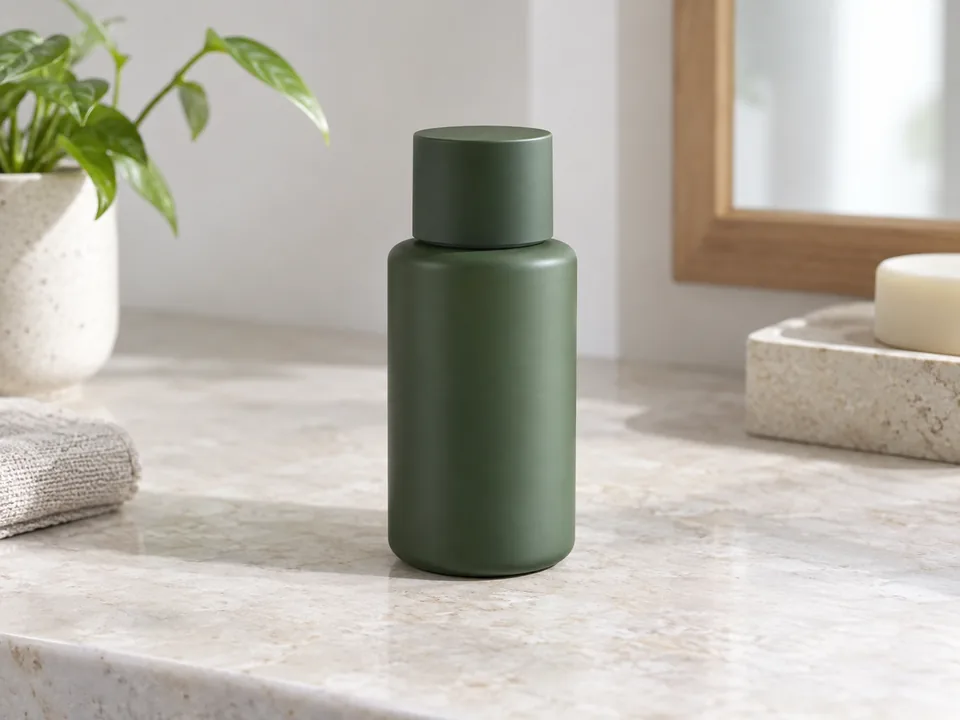
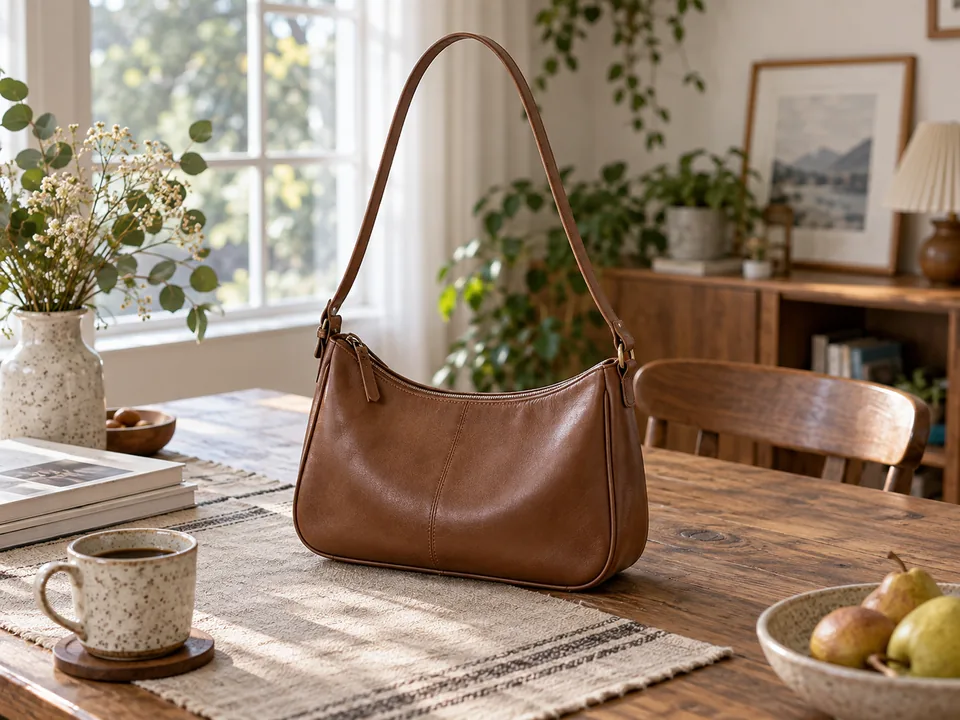
Inspect the details buyers will notice
Fine bag straps, shoe laces and reflective packaging need a closer look. Compare the automatic result with the original before downloading. The restore brush can bring back a missing detail, while erase removes leftover backdrop.
From individual images to a workflow
The editor accepts multiple images and lets you review and download them individually. For application integration, explore the API and its API-enabled plan requirements and per-image billing rules, using the same account credit balance. There is no automatic marketplace publishing or bulk background synchronization.
Explore the APIReview product cutouts as a consistent catalog
Shoes, a skincare bottle and a shoulder bag have different edge risks. A catalog review should check labels and shape on each object while keeping the final background and spacing consistent across the set.
| Possible issue | What to inspect | What to do |
|---|---|---|
| Brand label or fine detail disappears | Inspect the bottle label, stitching and shoe details at a useful zoom. | Restore real product details rather than painting an invented replacement. |
| Handle openings keep the old scene | Check inside straps and between shoe laces. | Clean enclosed gaps as well as the outer silhouette. |
| Catalog images look inconsistent | Compare final backgrounds and subject scale across the collection. | Choose one output treatment and review each export before publishing. |
Before you export
Background removal does not guarantee consistent product scale, color correction or platform acceptance. Keep the originals for any wider catalog-editing work.
Suggested checks for your own images. No accuracy or processing-time benchmark is claimed.
Sample file facts
black-sneakers-workbench
- Source image
- 1448 × 1086 px
- File size: 153.6 KiB · WebP
- Supplied cutout
- 1448 × 1086 px
- File size: 90.6 KiB · WebP
- Transparency
- Alpha channel present
These measurements describe the bundled demonstration files, not a live API benchmark, an accuracy score, or a promise about your output size.
Questions, answered.
Will transparent bottles work?
Transparent and reflective materials are difficult for segmentation. Test the actual image and inspect the result; these examples do not guarantee every material.
Does it add a product shadow?
No new shadow is generated. Some original shadow may remain in the automatic result and can be inspected or erased.
Can I apply one background to all images?
Not currently. Background choices and downloads are handled per image in the editor.
Ready for your own image?
Free PNG preview · No sign-up · No watermark