
Keep the car in focus
Remove car backgrounds for your next listing.
Remove or change the background of a car photo. Inspect wheels, mirrors and windows, then use transparency or upload your own backdrop.
JPG, PNG, WebP or BMP · Up to 3 MB each
Free PNG preview · No sign-up · No watermark
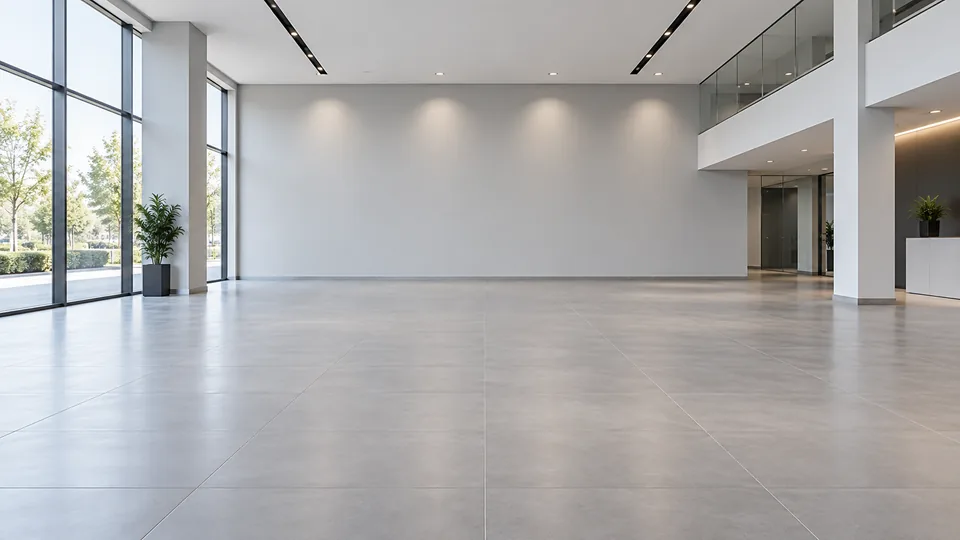
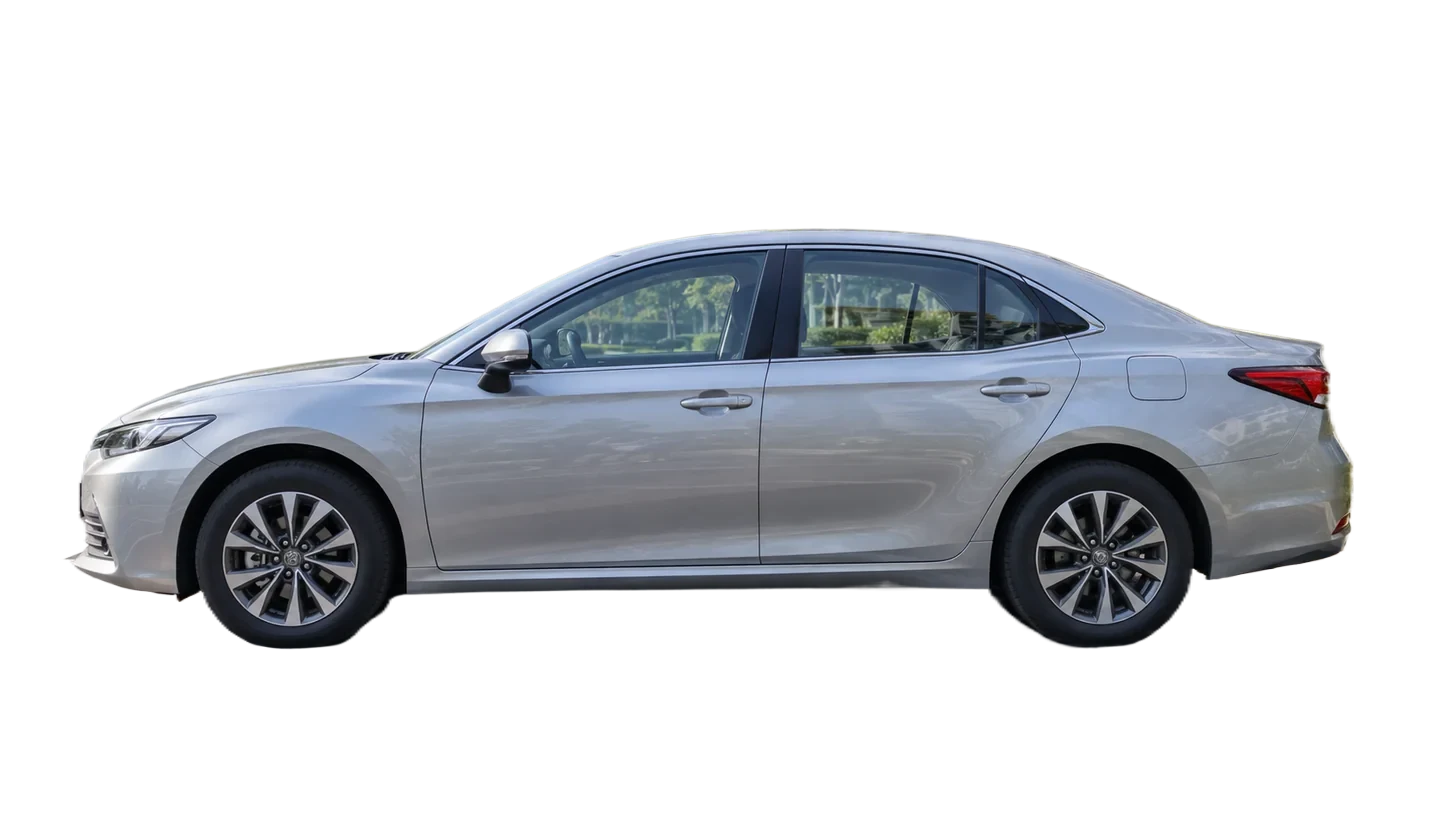
No new shadows, reflections or showroom images are generated. A background preview is a simple composite.
How it works
- 01
Upload the full car image
- 02
Inspect glass and small parts
- 03
Choose a backdrop and download
Explore the details
Check the entire vehicle
Choose an original with all wheels, mirrors and bumpers visible. The model separates the car but does not reconstruct parts outside the frame. Compare the actual result before placing it in a new scene.
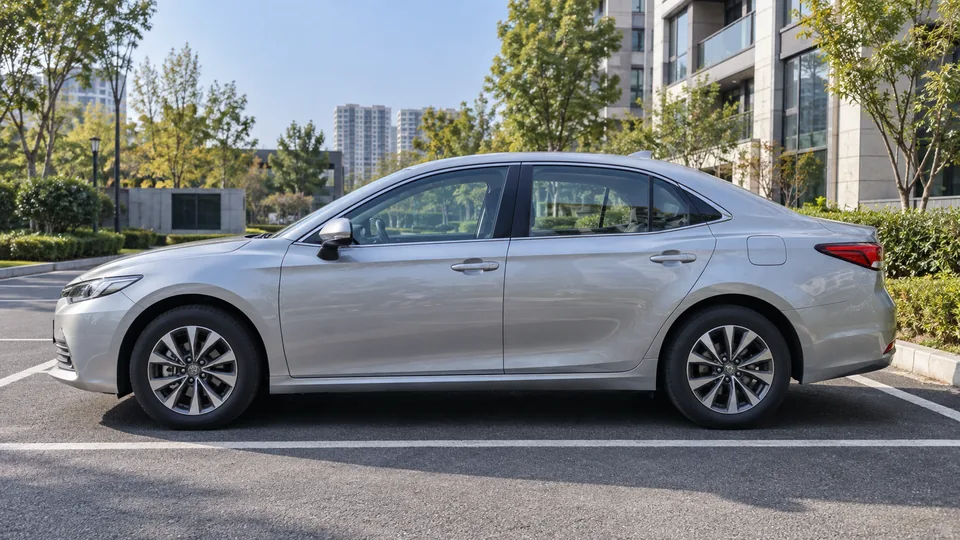
Windows are a special case
Glass can contain reflections and views of the original surroundings. Those pixels may remain after background removal. Inspect windows and gaps around wheels rather than assuming the entire scene has been replaced.
Match the backdrop to the perspective
Upload an existing backdrop with a horizon and lighting that suit the vehicle. The editor covers the canvas with the background image. It does not generate contact shadows, move the car or automatically match perspective.
Explore the APIKeep the car’s geometry believable in a new setting
A side-view sedan and a three-quarter view expose different details: wheel gaps, mirrors, glass and the relationship between the tires and the ground. Check those areas before choosing a showroom background.
| Possible issue | What to inspect | What to do |
|---|---|---|
| Wheel gaps retain the original scene | Inspect spaces around spokes and under the body. | Remove unwanted background while keeping the wheel structure intact. |
| Glass looks inconsistent | Compare reflections and window areas with the source. | Do not assume the tool replaces reflections or reconstructs what is behind glass. |
| The car appears to float | Review tire contact and the perspective of the replacement scene. | Choose a compatible background; a new contact shadow is not automatically guaranteed. |
Before you export
Changing the background does not repair body damage, alter the vehicle or relight its reflections. Review the actual car details before using an image in a listing.
Suggested checks for your own images. No accuracy or processing-time benchmark is claimed.
Sample file facts
silver-sedan-side-view
- Source image
- 1448 × 815 px
- File size: 209.9 KiB · WebP
- Supplied cutout
- 1448 × 815 px
- File size: 67.0 KiB · WebP
- Transparency
- Alpha channel present
These measurements describe the bundled demonstration files, not a live API benchmark, an accuracy score, or a promise about your output size.
Questions, answered.
Will the view through the windows change?
Not necessarily. Glass and reflections are difficult to separate and need individual review.
Does it add realistic tire shadows?
No. The editor does not generate new shadows. A new backdrop is composited behind the cutout.
Can I process multiple inventory photos?
You can add multiple photos and review them individually. There is no one-click shared background or ZIP download.
Ready for your own image?
Free PNG preview · No sign-up · No watermark