
Moving from remove.bg?
A remove.bg alternative for everyday cutouts
Automatic removal andfree preview
Upload a photo, remove its background and inspect a free PNG preview. Keep it transparent, add white or another background, and refine edges in the editor. No Canva workspace is required.
or drop a file,
paste image or
No photo handy? Try an example.
Need to remove backgrounds from multiple images?
Batch Background Remover →Process up to 20 images and download them together as a ZIP.

 Original imageBackground removed
Drag to compare the sample image with its processed result.
Website preview: up to 0.25 MP free. Full processed-size download: account + 1 credit. No upscaling is promised.
No sign-up for the free preview. JPG, PNG, WebP or BMP, up to 3 MB per image.
Start with the image you need today
For a web workflow, check the actual output rather than assuming two segmentation tools produce the same mask. Our editor accepts JPG, PNG, WebP and BMP up to 3 MB, with erase, restore, background color and custom background controls.
No generated backgrounds, no PSD editing and no automatic ZIP export. Choose a broader creative tool when your project needs those capabilities.
remove.bg: Official product information| What you need | What this editor provides |
|---|---|
| A reusable cutout | Transparent PNG download |
| Local corrections | Erase and restore brushes |
| A different backdrop | Solid color or your own background image |
| More than one photo | Sequential processing, individual downloads |
| Application integration | Separate API plans and credits |
What to compare in your own test
This is a testing checklist, not a claim that we have measured a winner. Use images you own or have permission to process.
| Test image or workflow | Inspect | Decision |
|---|---|---|
| Portrait with fine hair | Check wisps and gaps against both white and dark backgrounds. | Use the restore brush for missing visible strands; do not expect recovery of detail absent from the source. |
| Product with a pale edge | Inspect labels, white packaging and holes in handles. | Choose the required final background, then review the actual exported file. |
| Several images | Check per-image upload limits, order and the download workflow. | Browser processing is sequential with individual downloads, not a one-click ZIP export. |
| Full-size download | Compare the file dimensions with the original and the free preview. | Full processed size costs 1 credit and does not promise upscaling. |
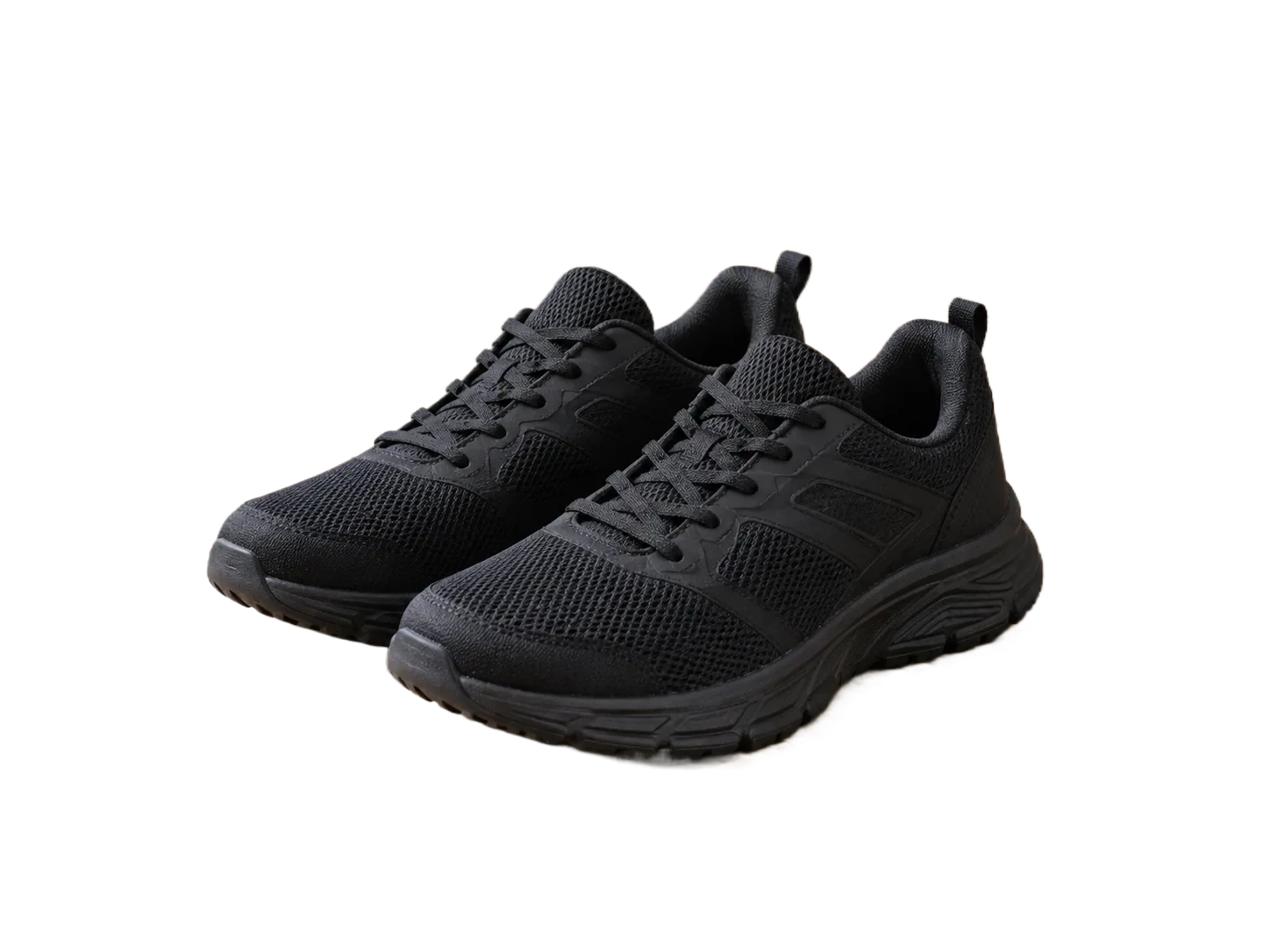
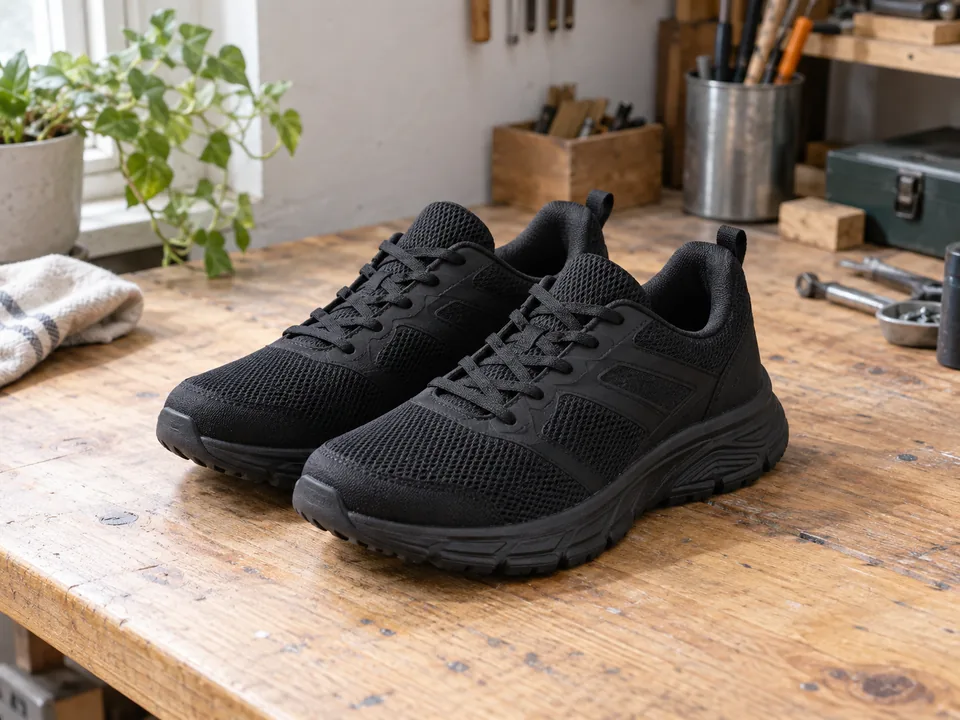
Sample file facts
black-sneakers-workbench
- Source image
- 1448 × 1086 px
- File size: 153.6 KiB · WebP
- Supplied cutout
- 1448 × 1086 px
- File size: 90.6 KiB · WebP
- Transparency
- Alpha channel present
These measurements describe the bundled demonstration files, not a live API benchmark, an accuracy score, or a promise about your output size.
Browser editor
Website preview: up to 0.25 MP free. Full processed-size download: account + 1 credit. No upscaling is promised.
Separate web editing from API migration
The web editor works without an account for editing and watermark-free preview downloads. Full-size web downloads require an account and 1 credit. The API has separate plan and credit requirements. Review supported parameters and error handling before changing your endpoint.
API compatibility is partial, not a drop-in guarantee. Read the supported parameters before switching.
API migration checks →Questions before switching
Is RemoveBGTool the new official remove.bg website?
No. RemoveBGTool is an independent editor, not a Canva or remove.bg product. Your old account, credits and API key cannot be imported.
Can I test a replacement before paying?
Yes. The website offers a PNG preview up to 0.25 MP without sign-up. A full processed-size download requires an account and 1 credit. This is not a promise of upscaling or a free API plan.
Will I get the same cutout as remove.bg?
Not necessarily. Similar upload controls do not imply the same segmentation model or results. Check your own product edges, hair and transparent areas before committing to a workflow.