
Background preparation for sellers
Remove backgrounds from Amazon product photos.
Remove a product background and make it white for your Amazon image workflow. Review the finished image and the requirements for your category before uploading.
JPG, PNG, WebP or BMP · Up to 3 MB each
Free PNG preview · No sign-up · No watermark
This tool prepares the background. It does not certify Amazon image compliance or publish listings.
How it works
- 01
Upload the actual product photo
- 02
Remove the backdrop and add white
- 03
Check requirements before uploading
Explore the details
Make the product easy to inspect
Start with a clear photograph of the actual item. Remove the surroundings, select pure white and check that small details remain intact. A cleaned background cannot fix an inaccurate product photo or replace the need for a truthful listing image.
Review the current image requirements
Amazon’s product-photography guidance describes white backgrounds and clear, unpixelated images. Requirements vary by image role, category and marketplace. Use the official guidance linked below and check Seller Central for the rules that apply to your listing.
Your final upload checklist
Check that the actual product is represented accurately; inspect edges, handles and openings; verify dimensions and file format; review framing and any restrictions on text, props or editing. This editor exports PNG and does not automatically crop to a marketplace template, resize beyond the processed result or submit the listing.
Amazon official product-photography guide · checked 21 September 2026Check the finished listing image, not just its white background
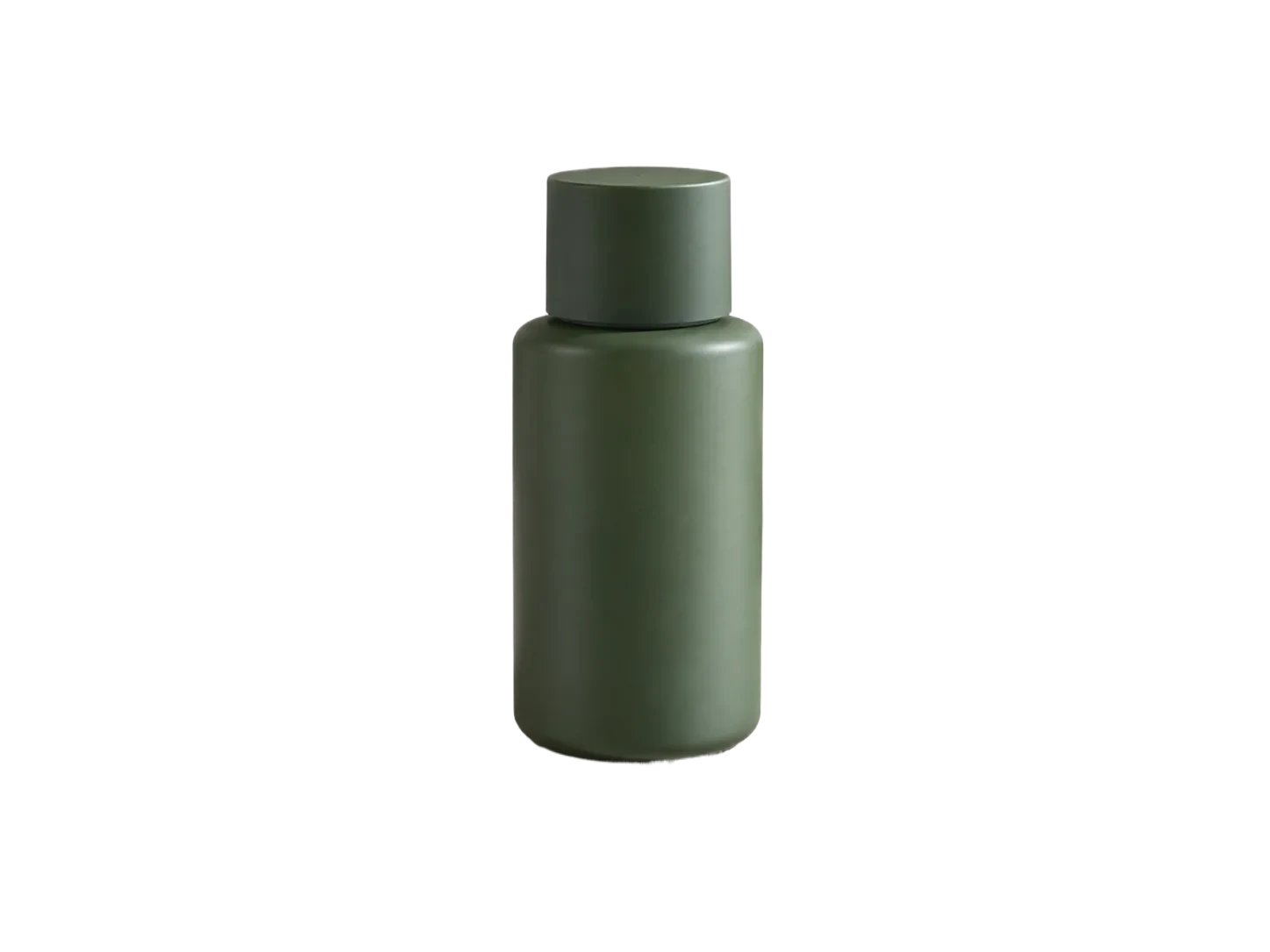
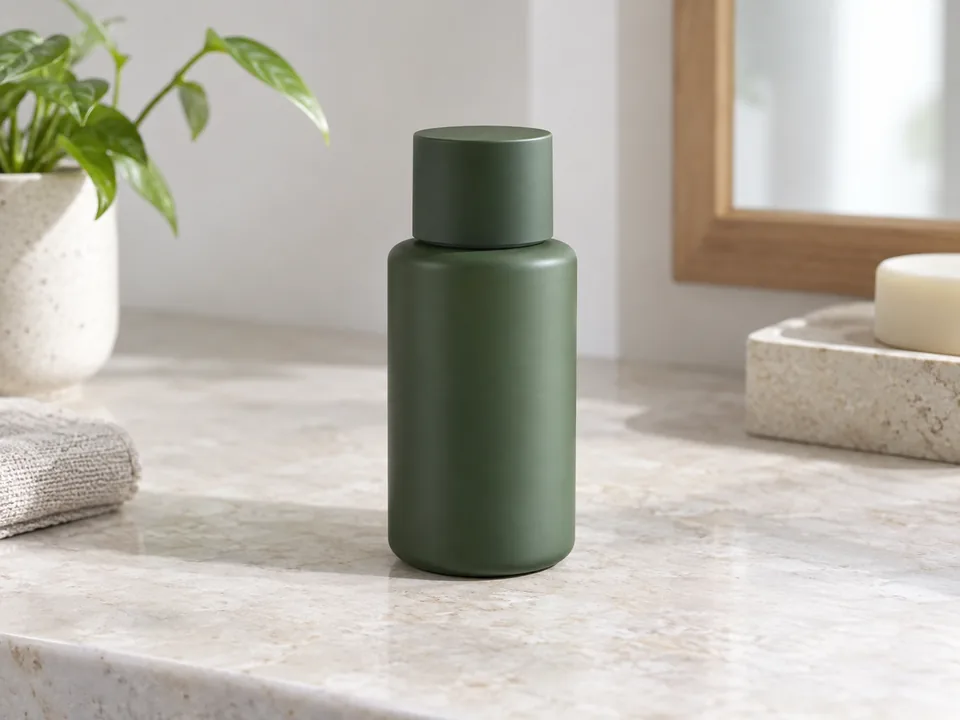
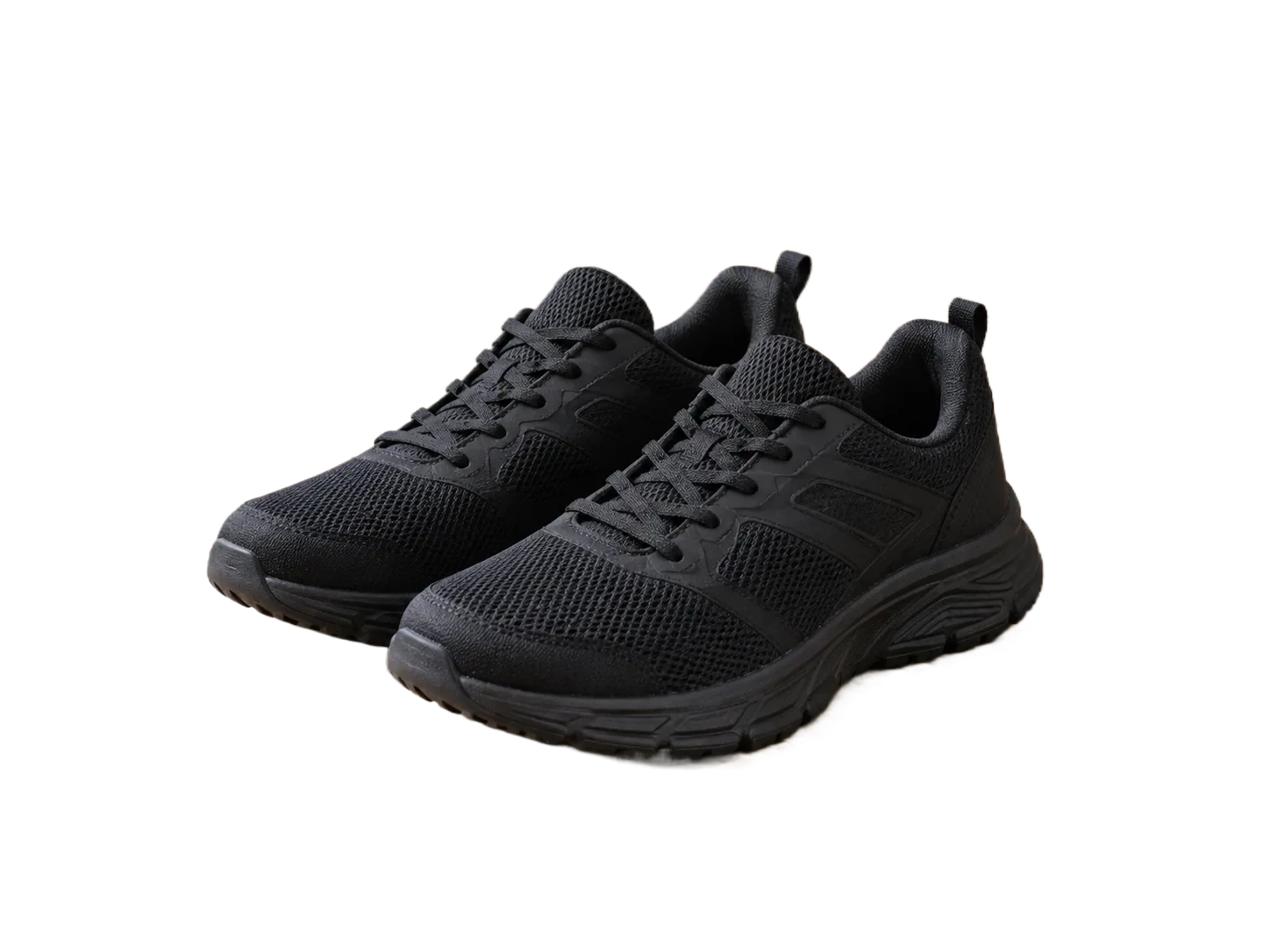
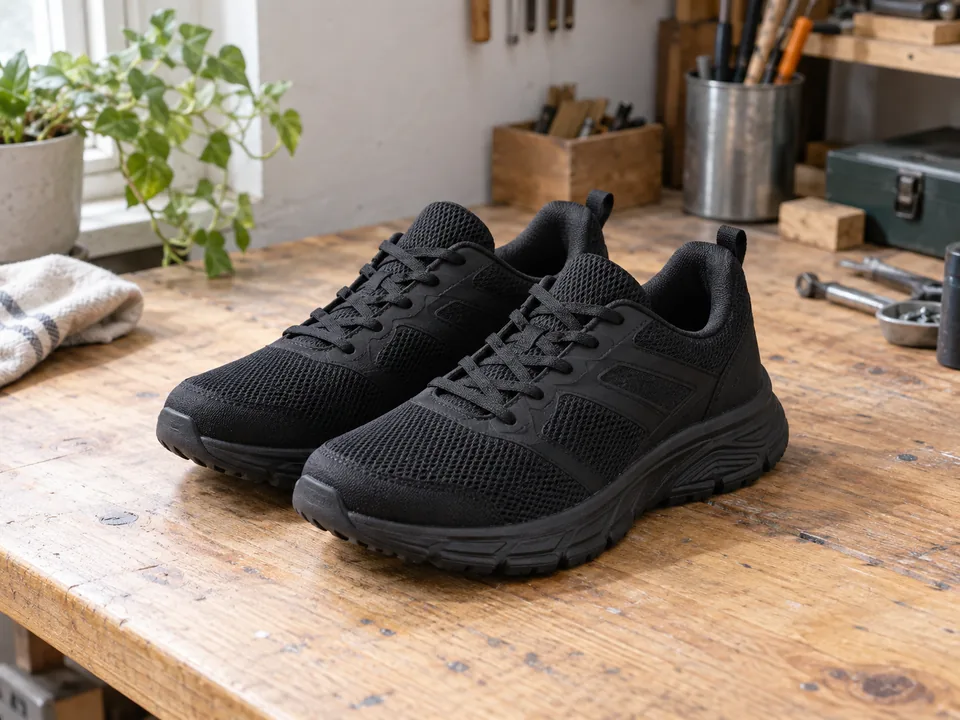
Use the bottle and sneaker examples as review exercises for a listing main image. Isolating the product is one step; requirements can depend on the marketplace and category, so the tool must not be treated as an approval checker.
| Possible issue | What to inspect | What to do |
|---|---|---|
| Background is clean but the image is too small | Check the downloaded pixel dimensions rather than the browser preview size. | Compare the output with the current requirements for your listing category. |
| Old props remain around the product | Review the original scene and every retained object. | Remove unintended scene fragments without changing what the product actually includes. |
| Product details look incomplete | Inspect labels, packaging edges and narrow gaps. | Restore real details and review the exported file before submitting the listing. |
Before you export
The editor does not certify Amazon compliance or guarantee listing approval. Use Amazon’s linked official guidance and your category instructions as the final source.
Suggested checks for your own images. No accuracy or processing-time benchmark is claimed.
Sample file facts
green-skincare-bottle
- Source image
- 1448 × 1086 px
- File size: 48.4 KiB · WebP
- Supplied cutout
- 1448 × 1086 px
- File size: 15.9 KiB · WebP
- Transparency
- Alpha channel present
These measurements describe the bundled demonstration files, not a live API benchmark, an accuracy score, or a promise about your output size.
Questions, answered.
Will a white background guarantee approval?
No. Background color is only one part of an image requirement. Your category and marketplace may impose additional conditions.
Does this crop or resize to an Amazon template?
No. It changes the background and exports the processed result. Check framing and dimensions separately.
Is this connected to my seller account?
No. Download the image and upload it through your own listing workflow. This is an independent image editor.
Ready for your own image?
Free PNG preview · No sign-up · No watermark