
A fresh setting for your portrait
Remove portrait backgrounds. Keep the focus on you.
Remove the background from a portrait or headshot. Inspect hair and shoulder edges, choose a new background and download a reusable PNG.
JPG, PNG, WebP or BMP · Up to 3 MB each
Free PNG preview · No sign-up · No watermark
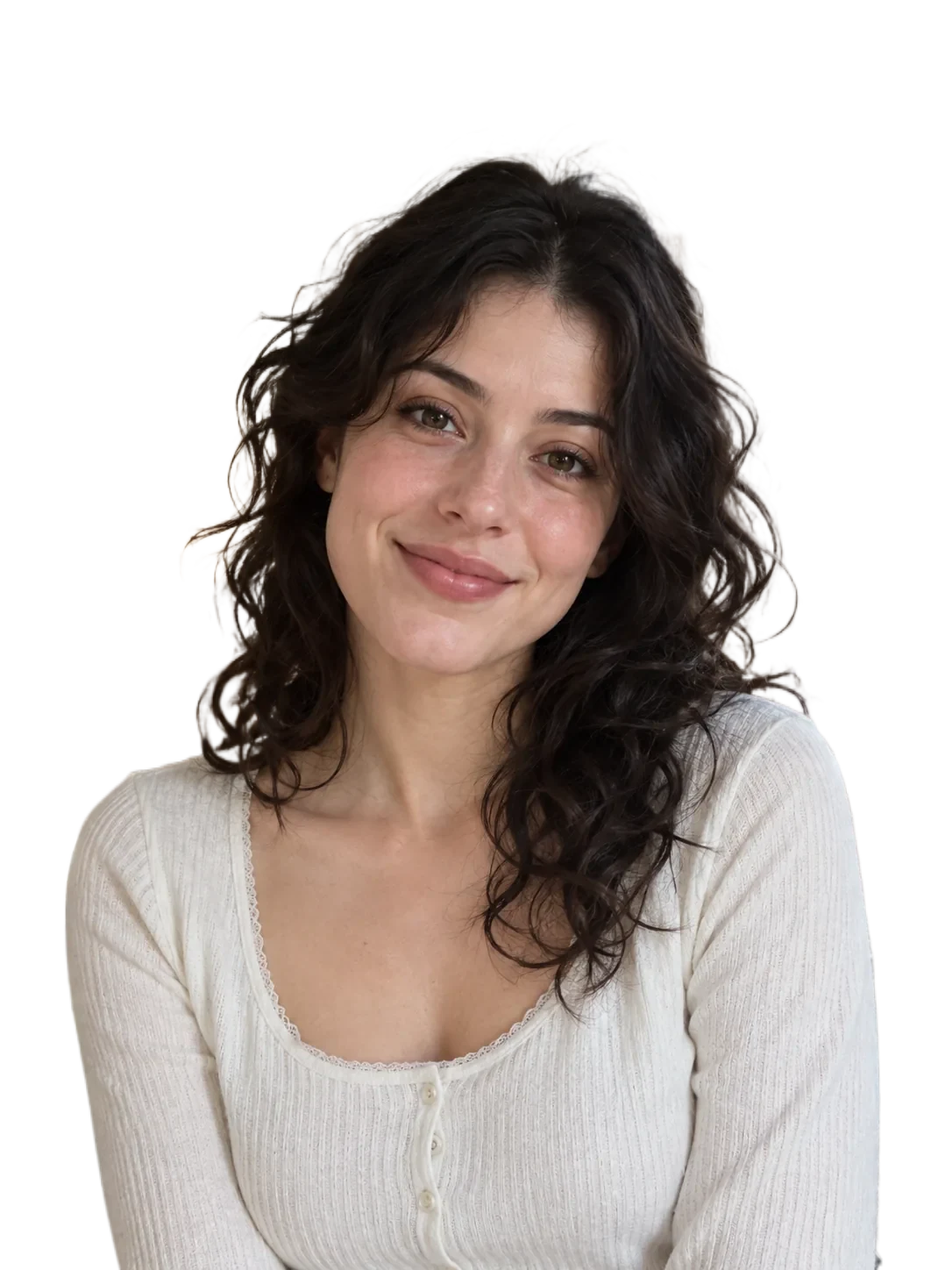
Hair and low-contrast edges may need manual refinement. The tool does not reconstruct hidden body parts.
How it works
- 01
Choose a clear portrait
- 02
Check hair and shoulders
- 03
Choose a background and download
Explore the details
A headshot for your next introduction
Use a clean cutout on a team page, a profile or a personal introduction. Leave some space above the head and keep the shoulders in frame when choosing the original photo. Changing the background does not retouch the face.
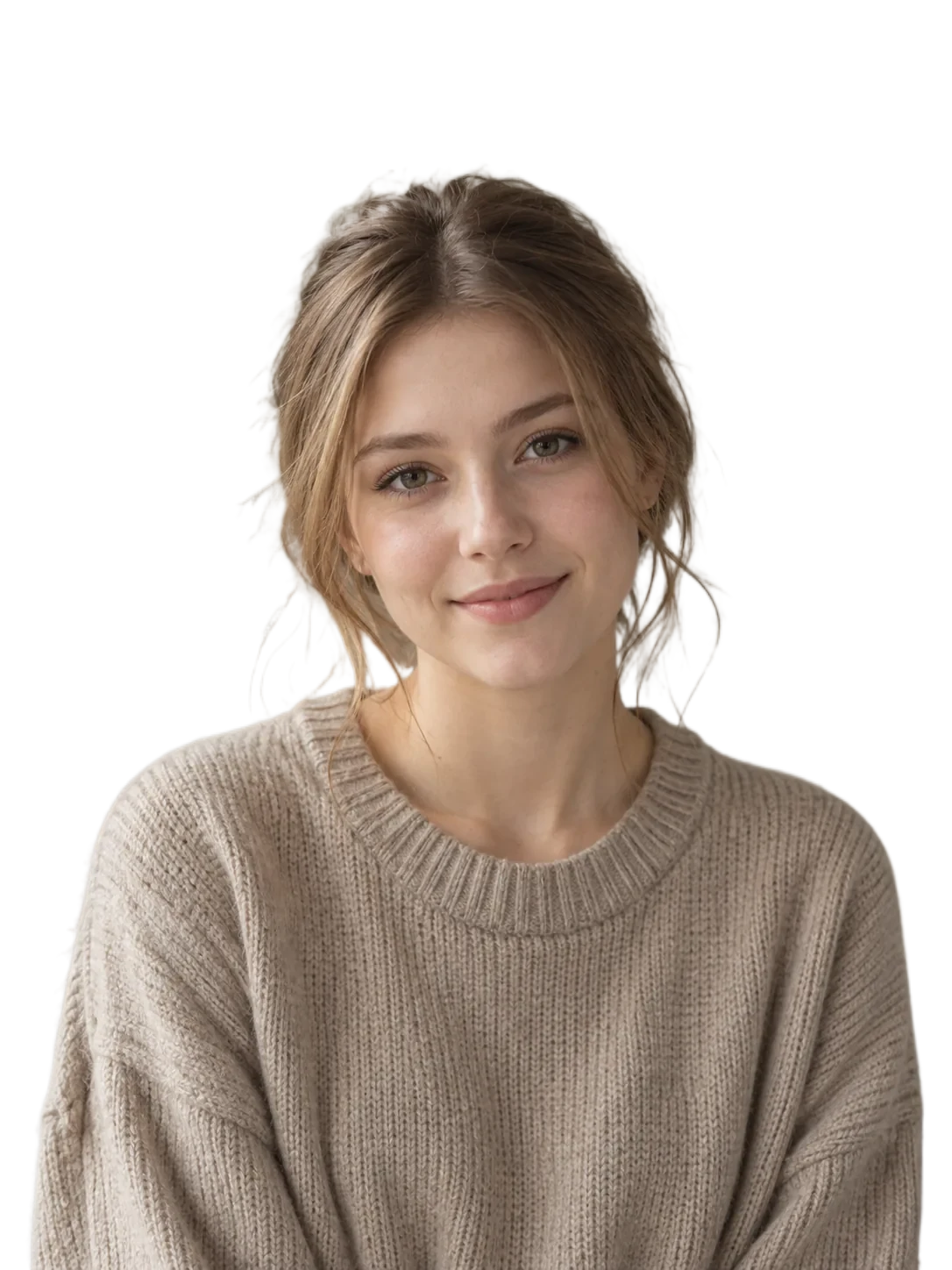
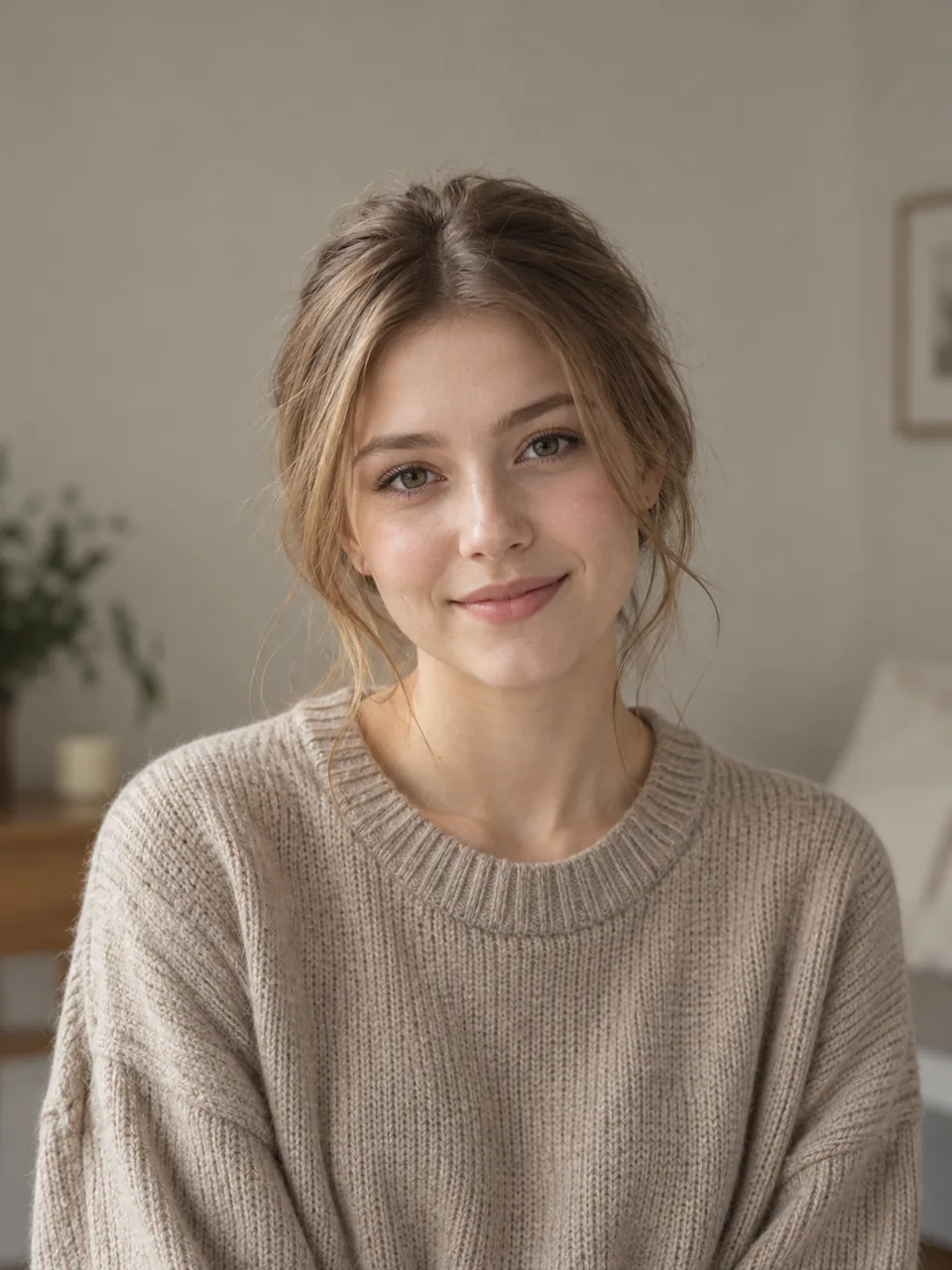
Take a closer look at the hairline
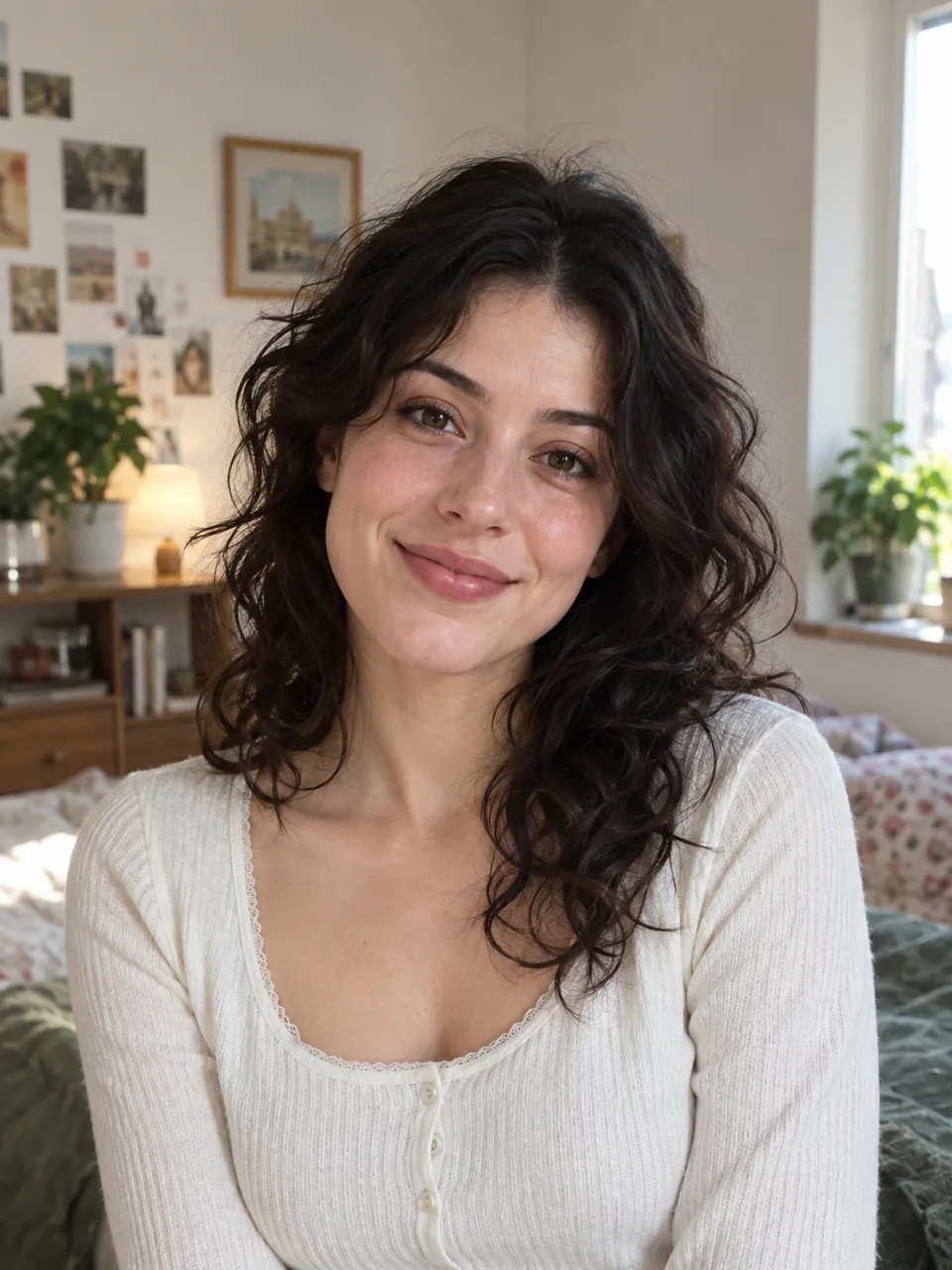
Curly hair and fine strands can blend into a busy or similarly colored background. Compare the original with the cutout on light and dark surfaces, then use restore or erase for areas that need attention.
Choose a setting that fits
Keep transparency, select a quiet color or upload your own scene. Background images fill the canvas and may be cropped. The editor does not move a person, remove only one bystander or invent missing scenery.
Keep the portrait intact while changing its surroundings
For a portrait, the face is not the only important part. Review hair, shoulders, ears and any visible accessories, especially where their colors approach the original background.
| Possible issue | What to inspect | What to do |
|---|---|---|
| Hair or ears are cut away | Compare the silhouette around the head against the original. | Restore subject areas that were mistakenly removed. |
| Clothing merges with the old backdrop | Check shoulder edges and gaps near the arms. | Use a contrasting temporary background to make the mask easier to inspect. |
| The new crop feels too tight | Review headroom and the intended profile or presentation layout. | Choose a suitable source and framing; do not expect missing shoulders to be generated. |
Before you export
This is a background-editing workflow, not a headshot-generation or face-retouching promise. Review the original identity details before using the result.
Suggested checks for your own images. No accuracy or processing-time benchmark is claimed.
Sample file facts
curly-hair-portrait
- Source image
- 1086 × 1448 px
- File size: 116.5 KiB · WebP
- Supplied cutout
- 1086 × 1448 px
- File size: 154.6 KiB · WebP
- Transparency
- Alpha channel present
These measurements describe the bundled demonstration files, not a live API benchmark, an accuracy score, or a promise about your output size.
Questions, answered.
Can it remove one person behind me?
It separates the foreground subject from the background. It is not an object-removal tool that fills in the scene behind a removed person.
Can I make a professional headshot?
You can clean up or replace the background of an existing headshot. Clothing, pose and facial features are not generated or retouched.
What if hair is missing?
Try the restore brush and compare with the original. Very low-contrast strands may still require additional editing.
Ready for your own image?
Free PNG preview · No sign-up · No watermark