
From white to transparent
Remove the white background. Keep the subject.
Remove a white background from your image and export a transparent PNG. Inspect light details and refine the cutout with erase and restore brushes.
JPG, PNG, WebP or BMP · Up to 3 MB each
Free PNG preview · No sign-up · No watermark
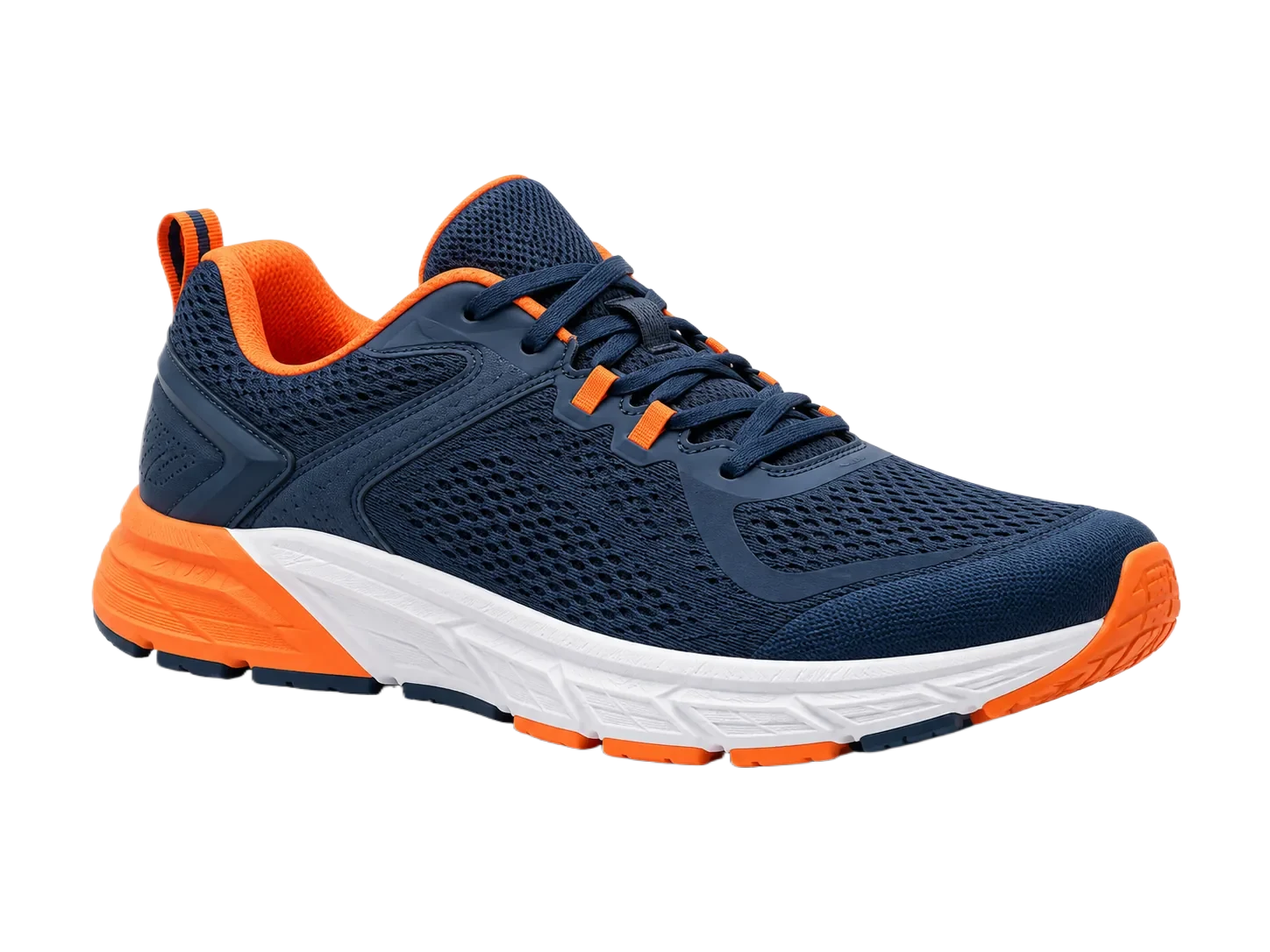
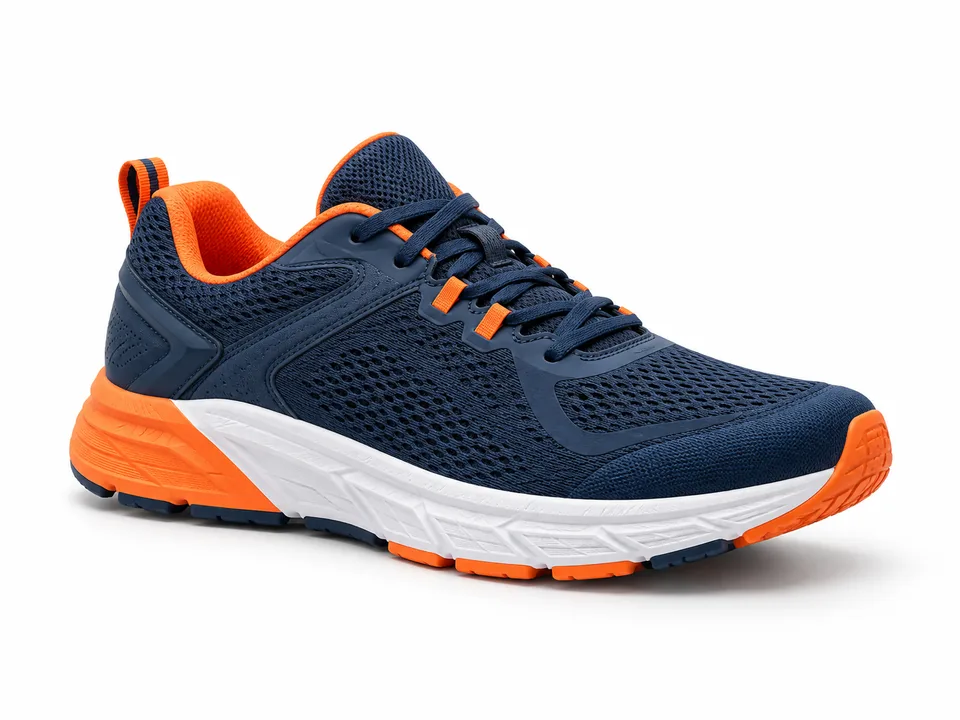
Subject segmentation is not a color-key filter. Always inspect pale objects and fine edges.
How it works
- 01
Upload the white-background image
- 02
Inspect pale details
- 03
Export a transparent PNG
Explore the details
White backdrop, colored subject
A white product photo can be useful on its own, but a transparent cutout is easier to reuse on a colored layout. Compare the original and the actual processed image, then check the edges against a contrasting surface.


What happens to a white object?
The model tries to identify the subject rather than delete every white pixel. Low contrast, reflections and handles can still produce missing or leftover areas. Use the mug example to inspect these limits instead of assuming all white details will be preserved.
Clean up the edge before export
Place the cutout on a dark preview surface. Erase leftover backdrop and restore missing subject details in the editor. Download the result with a transparent background, or choose the white-background maker if you meant to add white instead.
Remove the white backdrop without erasing a white object
The ceramic mug is the useful edge case here: both the subject and its surroundings contain pale pixels. Judge the mug rim, handle opening and highlights separately rather than treating every white pixel as background.
| Possible issue | What to inspect | What to do |
|---|---|---|
| White parts of the object disappear | Look at the rim and bright highlights against the original. | Restore visible subject details; a global white-color deletion is not the same task. |
| Background remains inside the handle | Check the closed opening instead of only the outside outline. | Erase the remaining backdrop with a small brush. |
| A pale halo survives export | View the PNG on a darker surface at normal display size. | Correct the fringe and download the actual PNG, not a preview screenshot. |
Before you export
This workflow removes white to create transparency. To put a new white background behind an existing cutout, use the white background maker instead.
Suggested checks for your own images. No accuracy or processing-time benchmark is claimed.
Sample file facts
navy-orange-sneaker
- Source image
- 1448 × 1086 px
- File size: 116.3 KiB · WebP
- Supplied cutout
- 1448 × 1086 px
- File size: 149.4 KiB · WebP
- Transparency
- Alpha channel present
These measurements describe the bundled demonstration files, not a live API benchmark, an accuracy score, or a promise about your output size.
Questions, answered.
Does it remove white clothing?
The model aims to keep the subject, but low-contrast details may need manual restoration. Test your own photo before relying on the result.
Why is there a white halo?
The original backdrop may remain around soft or compressed edges. Zoom in and use erase and restore to refine the boundary.
Can I add a white background instead?
Yes. Use the white-background maker to remove the original backdrop and composite the subject on solid white.
Ready for your own image?
Free PNG preview · No sign-up · No watermark